The Day the License Server Blinked: A 2026 Offline Plugin Drill
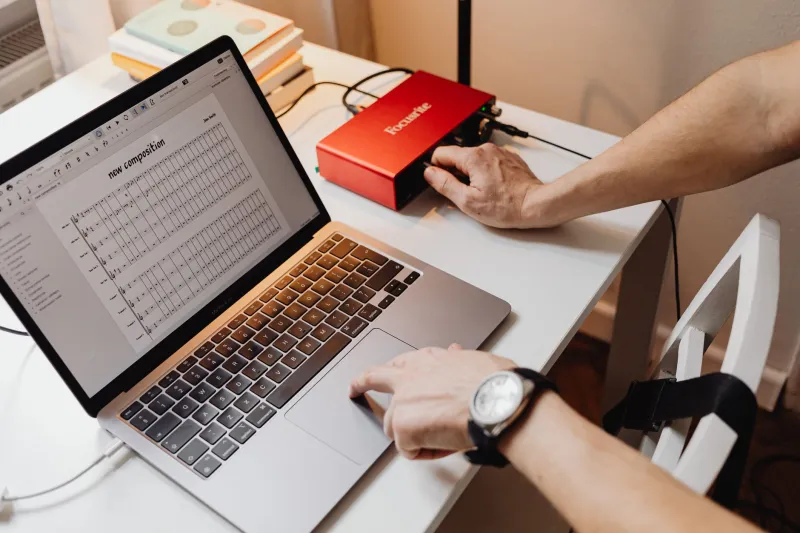
It’s 7:42 p.m. on a Tuesday. The vocalist is setting up, the coffee is still warm, and your favorite channel strip opens in demo mode with a polite little dialog box. The plug-in didn’t crash. Your computer didn’t die. The license check just couldn’t reach the vendor’s server, and now your session is wearing a paper hat.
This is the part of studio life that Musoft cares about more than we’d like to admit: the boring software layer between the song and the speakers. In 2026, most plug-in licensing is fine most of the time. The problem is that “most of the time” is not a workflow. A short offline-license audit and a recurring drill can keep a bad handshake from becoming a canceled session.
Start With an Inventory, Not a Shopping List
Before you buy another backup drive or swear off cloud licensing forever, make a list. A spreadsheet is perfect. Put every plug-in you actually use on a client session in one column, then add the details that matter when the network is down:
- Product and version
- Plug-in format, such as VST3 or AU
- Authorization method
- How many machines or activations you own
- Whether offline activation exists
- Where the installer lives
- Order number or receipt location
- Vendor support URL
- Date you last verified it
Do this on a quiet day, not during a session. The goal is not to document every freeware EQ you downloaded in a fever dream. Focus on the tools that would stop a session: your main channel strips, reverbs, tape emulations, amp sims, and anything a client specifically expects to hear.
Know the Four License Families
Most plug-in authorization falls into a few broad families. Each one fails differently.
Account or cloud login. You sign in, the plug-in checks an entitlement, and you work. Some vendors cache that check for days or weeks. Others need a fresh handshake more often. Find out what happens after a long offline stretch, because “it worked at the cabin” is not a support plan.
Machine-ID challenge and response. The vendor ties the license to your computer. Offline activation usually means generating a request file, sending it from another device, and importing a response file. That works until you forget which browser tab had the instructions.
Dongle-based licensing. A physical key can be reassuring, but it is still software. Drivers need updates, ports can fail, and a dongle left in a laptop bag is one spilled coffee away from a very expensive paperweight. Check whether the vendor offers zero-downtime coverage or temporary licenses, and keep that information with your receipts.
Subscriptions and rentals. These are convenient until a payment method expires or a vendor changes plan names. Audit which subscriptions are optional and which ones your old sessions truly depend on. If a subscription plug-in is baked into your mix template, treat it like a utility bill, not a novelty.
Build a License Vault That Survives a Bad Night
A license vault is not exotic. It’s a folder structure and a habit. Create one main folder with subfolders for installers, activation files, receipts, and notes. Keep a copy on your studio drive and another in cloud storage you can reach from a phone.
Save the exact installers you know work with your current OS. The latest version is not always the one your sessions were mixed on. When a vendor offers offline activation, save the instructions as a PDF, not just a bookmark. Put serial numbers and account recovery codes in a password manager. If two-factor authentication is part of the login, store the backup codes somewhere that doesn’t depend on the phone in your pocket.
For dongle licenses, write down the dongle ID, the account email, and the vendor’s support path. Do not assume a spare dongle is a spare license. They are different things, and the difference usually becomes clear at the worst possible moment.
Run the Drill Before You Need It
Pick five mission-critical plug-ins. Disconnect your studio computer from the internet, either by turning off Wi-Fi or unplugging Ethernet. Open an old session that uses all five. Let the DAW load, open each plug-in window, and confirm that it is not in demo mode. Play a few bars. Save the session, close it, and reopen it.
Write down what failed and why. Maybe one plug-in has a fourteen-day offline grace period. Maybe another needs a dongle driver update. Maybe your account login expired and you didn’t notice because you usually stay signed in. Reconnect and fix the weak spots. Then put a reminder in your calendar to repeat the drill every quarter, and after any major OS update.
This is also a good time to test your fallback chain. If your favorite tape plug-in vanishes, what stock or bundled processor can take its place? Bounce a rough mix with the substitute so you know the session will still make sound. A backup plan that only exists in your head is more of a vibe than a plan.
Put the Recovery Notes Inside the Session
Add a simple text file to your project template called something like STUDIO-LICENSE-NOTES.txt. List the plug-ins used, the vendor, the authorization type, and the order number. If a collaborator opens the session on another machine, they’ll have a fighting chance. If you’re reopening a mix six months from now, future-you will be grateful.
For client work, keep a PDF or text export of the plug-in list with the delivery files. It’s not glamorous, but neither is explaining why the lead vocal chain is silent because a license server picked tonight to take a nap.
The Goal Is Boring
An offline-safe studio isn’t about hoarding installers or refusing to use cloud services. It’s about knowing which handshakes your sessions depend on and having a path when one of them fails. Spend twenty minutes on the inventory. Run the drill. Write down the recovery steps. The best license emergency is the one that never makes it to the session calendar.