When the Click Is Wrong: Loopback Testing Your DAW's Metronome in 2026
For about three years I thought I had a bad sense of time. Takes felt rushed, then fine on playback, then rushed again. I bought a different interface. I practiced with a metronome app. I read one very long forum thread about groove and convinced myself I was a feel player.
I was not a feel player. My click was landing inconsistently, and because it was inconsistent I never built a stable reference to play against. One patch cable and a loopback test later, the whole thing fell apart in about twenty minutes.
The test, in plain English
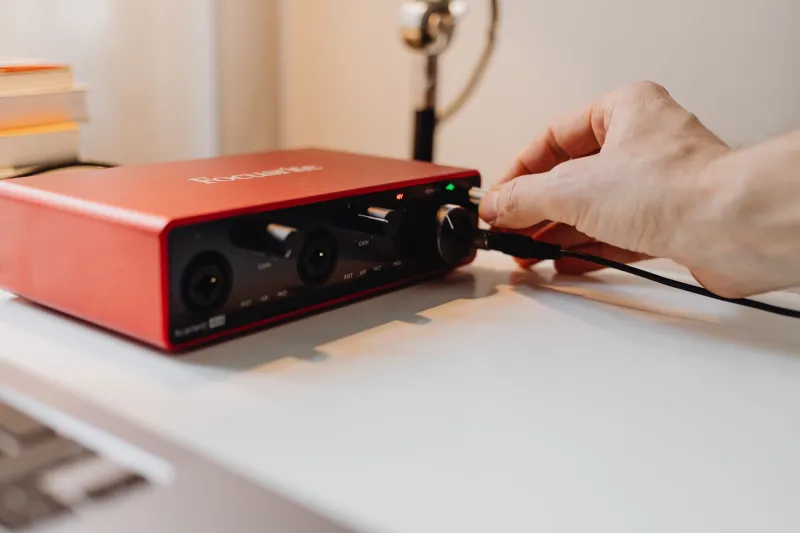
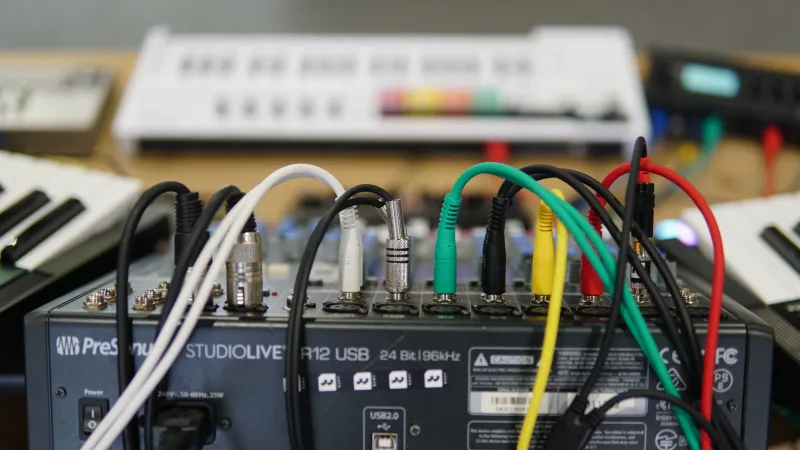
Here is the setup. Take an output from your interface and run it back into an input. Arm a track to record that input. Now play your DAW's metronome for sixty seconds while recording.
Two things will be true. First, every click will arrive late by some fixed amount — that is your round-trip latency, and it is normal. Second, and this is the part that matters, that lateness should be the same for the first click and the last click. If it grows, you have drift. If it jumps around, you have jitter. Either one will quietly ruin tracking sessions.
Measure it visually. Zoom in far enough that a single sample is a visible pixel, place the playhead on the first click transient, and note the offset from the grid line. Then do the same on a click near the end of the minute. Same number? You are fine. Different number? Keep reading.
The null test, if you want to be rigorous
Duplicate the recorded click onto a second track, flip the polarity on one, and nudge it against the other until the meters drop. If they cancel almost completely, the clicks are sample-aligned and your timing is stable. If they only partially cancel — or if you can nudge one click into silence and the next one still rings — you have a moving target.
This is a crude test compared to what a lab would do, but it is more than precise enough to answer the only question you actually care about: can I trust this click?
Where it usually breaks
Round-trip latency itself is not a bug. It is physics plus buffer size. The bugs live in the gap between what your DAW thinks the latency is and what it actually is.
- Driver reports that lie. Some interfaces report a round-trip figure that is a few samples optimistic. Your DAW compensates by that number, so everything you play lands slightly early.
- Delay compensation stacking up. A lookahead limiter or a linear-phase EQ on the master adds latency. Good DAWs report it correctly. Plenty of plugins under-report it, and a couple famously do not report it at all.
- Monitoring path confusion. If you monitor through the interface while recording through a plugin chain in the DAW, your ears and your recorded audio are hearing two different timelines.
- Buffer changes mid-session. Bump the buffer to track a heavy virtual instrument, forget to bump it back, and the compensation math can go stale until you restart.
None of these are exotic. All of them are invisible if you never measure.
Fixes that take five minutes
Test once per configuration — interface, buffer size, sample rate, DAW version — and write the number down. Keep a note file next to your templates. Every time something sounds off after an update, compare against the number instead of starting from zero.
While tracking, strip lookahead processors off the master. Use hardware direct monitoring when you can. And if you can afford the workflow, ignore the DAW's reported latency and trust the loopback figure you measured; many DAWs let you type in a manual offset.
The point is not paranoia
I am not arguing that every DAW is secretly broken. Most modern ones are accurate. But accurate is a claim you verify, not a claim you assume, and verification is cheap.
What changed for me was not my playing. It was that I finally had a baseline. Once the click stopped wobbling, my takes stopped wobbling with it — and I stopped apologizing for a rhythm problem that was never mine.